|
Q: Why must I hit the Refresh button in Internet
explorer to make the newer content on our webpages to
show up.
A: The reason this happens is that your computer
system is “caching” the web pages, remembering them for
you to aid in faster access time. However, in many
cases, when you hit the webpage again, it pulls a copy
from your local system's cache rather than pulling the
latest copy from the web server.
Solution: You might consider making the following
change in your Internet Explorer web browser to
require it to pull current copies of any webpage.
-
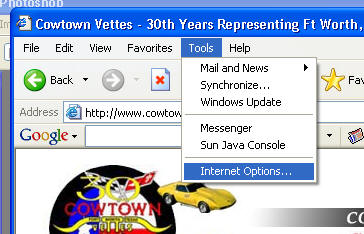
From the Internet Explorer Menu Bar, select
“Tools”, then “Internet Options”...
-
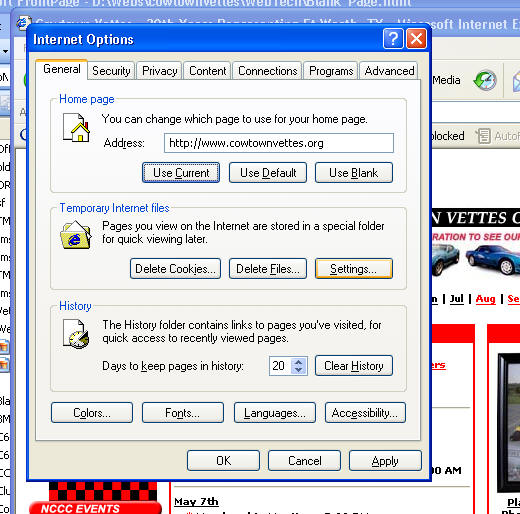
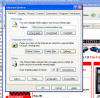
...about half way down on the dialog box, you will
see "Settings" button in the "Temporary Internet
Files" section - click it.
-
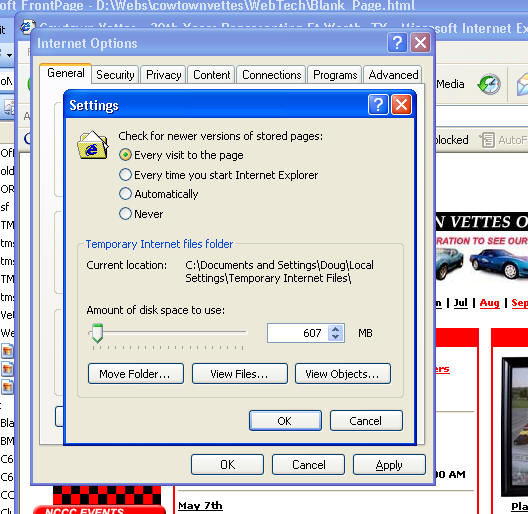
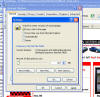
You will then see a new dialog box labeled
“Settings”, where you should select “every visit to
the Page” following by clicking the “OK” button to
close that dialog box
-
and once more to close the “Internet Options” dialog
box.
|